

PRODUCTS
SmartScore 64 Professional NE SmartScore 64 Songbook NE
 SmartScore 64 Guitar NE
 SmartScore 64 Piano NE
 SmartScore 64 MIDI NE
 SmartScore Player (free)
 Compare Editions
 Online Shop
SmartScore 64 Songbook NE
SmartScore 64 Guitar NE
SmartScore 64 Piano NE
SmartScore 64 MIDI NE
SmartScore Player (free)
Compare Editions
Online Shop
DEMO & DOWNLOAD

QUESTIONS & SUPPORT


INFO
© 2023 - 2026 Musitek Germany
 Top
Top
 Contact
 Support





SMARTSCORE 64 NE

PURCHASE
Online Shop
SmartScore 64 NE Full versions
SmartScore 64 NE Academic (EDU)
SmartScore 64 NE for notation programs
Upgrades to SmartScore 64 Pro NE
Upgrades to SmartScore 64 Songbook NE
Upgrades to SmartScore 64 Guitar NE
Upgrades to SmartScore 64 Piano NE
Upgrades to SmartScore 64 MIDI NE
Academic & Multiple licenses
SmartScore 64 NE Full versions
SmartScore 64 NE Academic (EDU)
SmartScore 64 NE for notation programs
Upgrades to SmartScore 64 Pro NE
Upgrades to SmartScore 64 Songbook NE
Upgrades to SmartScore 64 Guitar NE
Upgrades to SmartScore 64 Piano NE
Upgrades to SmartScore 64 MIDI NE
Academic & Multiple licenses
SUPPORT & INFO

SHOP

0
0

 Home
HomeSmartScore 64 NE demo versions
What is included in the demo?
What should I know?
- The current SmartScore 64 NE version is 11.6 (Windows and Macintosh).
- The demos can be activated and unlocked after purchasing a full version or an upgrade from a previous version, or after installation as a free update.
- The demo versions of SmartScore 64 NE each contain all the features found in the full versions.
- Saving, exporting to PDF and MIDI, and printing are not possible.
- The MusicXML export – used for testing and for transferring recognition results to a notation program, for example – can be performed twice.
- You can access the complete SmartScore online help via the Help menu, among other ways, after installing the demo.
- Note for Windows: For the demo installation, we recommend temporarily disabling Windows Defender or similar software.
- The SmartScore installers are downloaded as a ZIP file. After downloading the demo, double-click the file with the *.zip extension, then double-click the contained *.msi file (Windows) or *.dmg file (Mac) to start the installation.
System requirements
 Windows 10 and later (64-bit)
 Macintosh: macOS 11 and later
 Scanner: Standard scanner with current WIA (Windows) or TWAIN (Windows/Macintosh) driver for direct scanning into SmartScore.
Download here
Professional Edition
Unlimited sheet music recognition and editing: from individual parts to full scores, including lyrics, chord symbols, fretboard diagrams, tablature, and more. Learn more | Compare | Online Help | What's new?
Songbook Edition
Music recognition and editing with full functionality for lead sheets, duets, piano music, trios, or songs with piano accompaniment (max. 3 staves per system). Learn more | Compare | Online Help | What's new?
Guitar Edition
Sheet music recognition and editing – not just for guitarists: individual parts, tabs, duets, piano music, or combinations of standard notation and tab (max. 2 staves per system). Learn more | Compare | Online Help | What's new?
Piano Edition
Note recognition for keyboard players and solo instrumentalists: individual parts, duets, piano music (max. 2 staves per system). Learn more | Compare | Online Help | What's new?
MIDI Edition
Scan & Play. Create MIDI and MP3 files from printed sheet music and PDF scores. Learn more | Compare | Online Help | What's new?
Here's how it works …
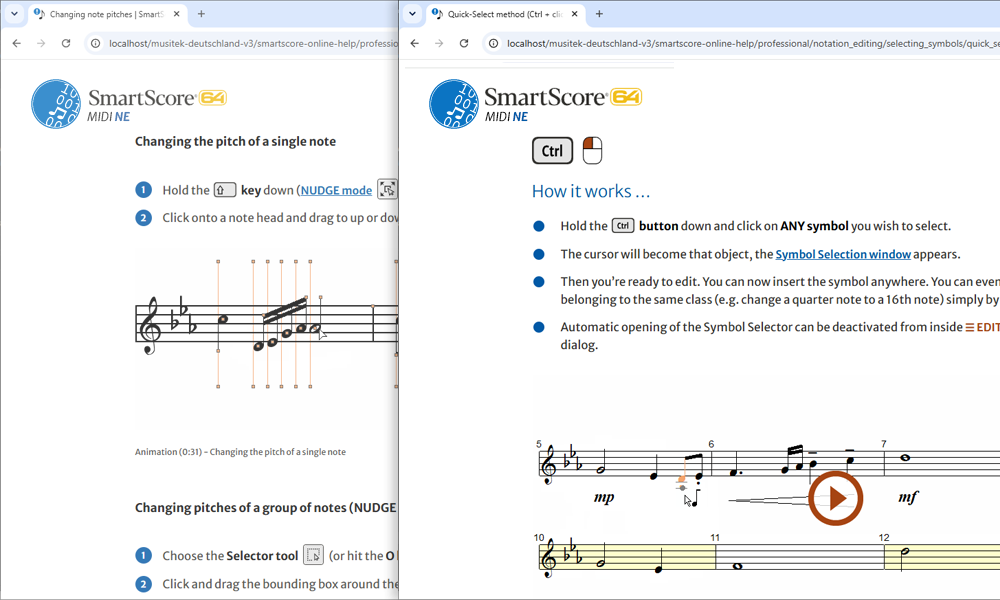
Comprehensive, clear, interactive, searchable, and easily accessible via your browser. The SmartScore Online Help with approx. 100 short videos shows and explains everything you need to know about working with SmartScore, from getting started to handling complex tasks and troubleshooting.
Online Help: Professional | Songbook | Guitar | Piano | MIDI
Do you like what you see?


SMARTSCORE 64 NE
DOWNLOAD
SUPPORT
INFO



